Your office rides with you.
Schedule jobs, text customers, mark work done, and check your numbers — all by voice. Your hands stay on the mower, your day doesn't stop.
Try It Free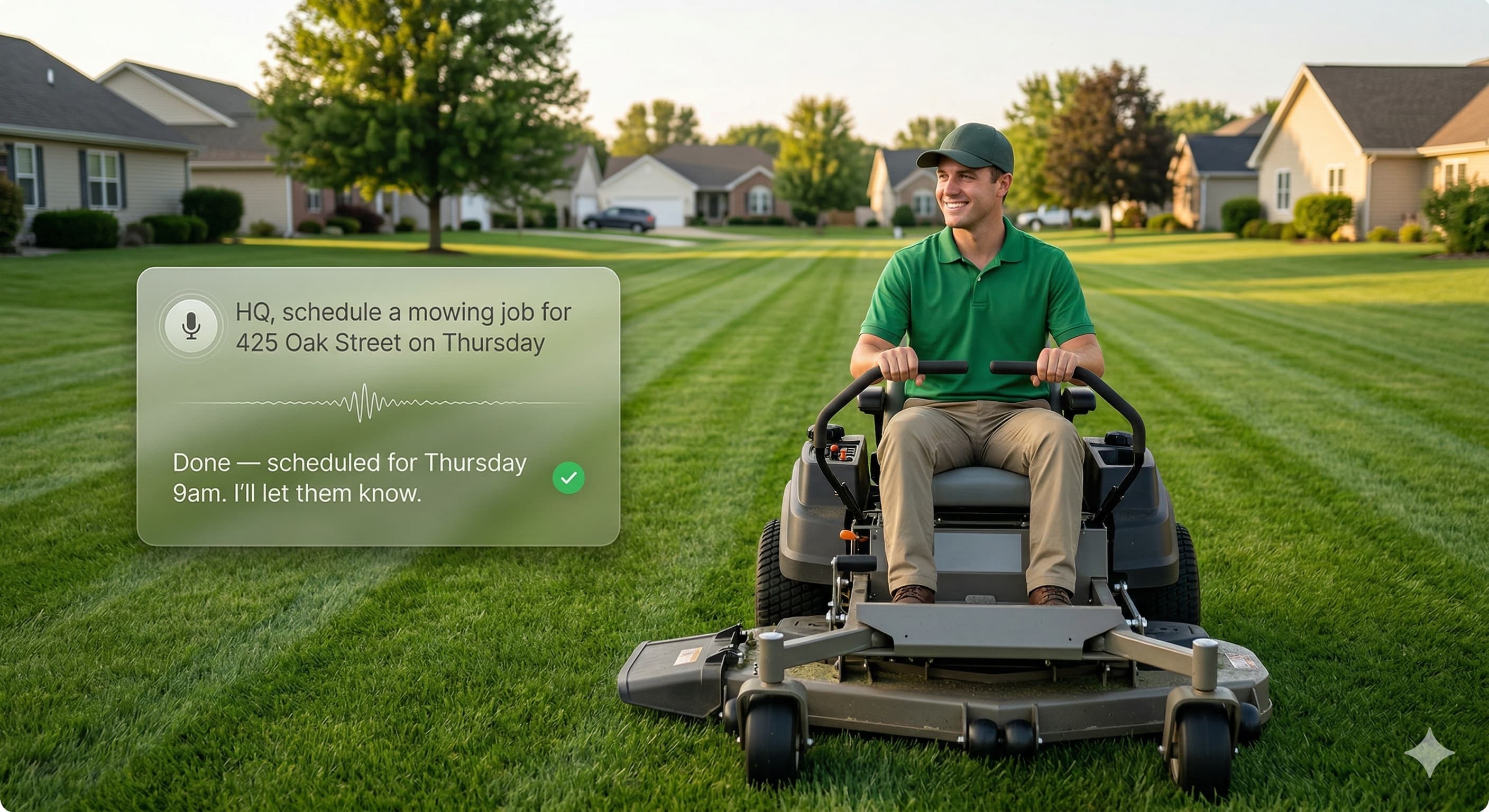
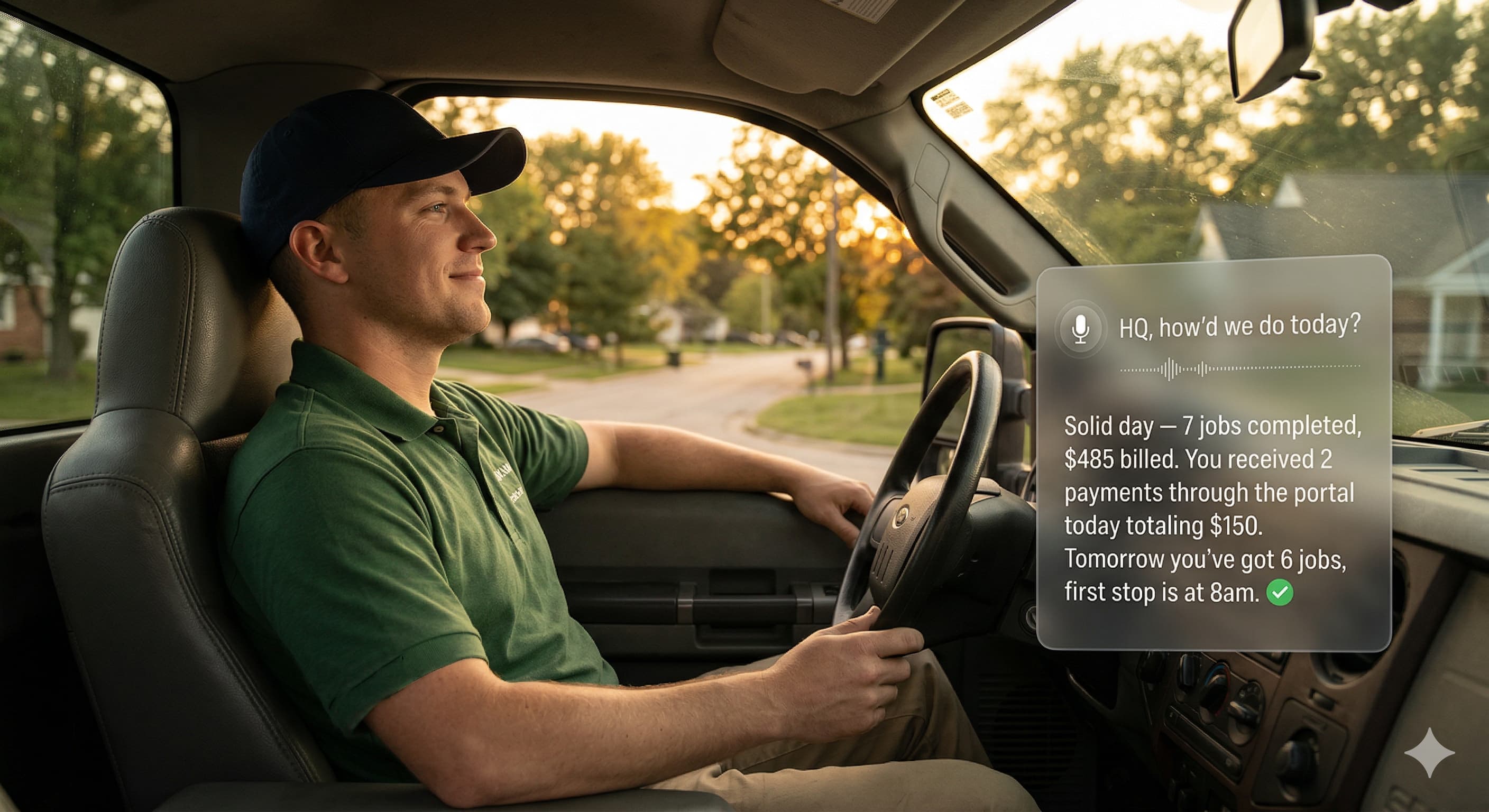
Schedule a job from the mower — hands-free
How it works
Talk to HQ. HQ handles the rest. Keep mowing.
Just say it
Tell HQ what you need — schedule a job, text a customer, mark a job done, check your week. Natural language, not menu options.
HQ takes action
HQ updates your schedule, sends texts, creates invoices, adjusts routes, and logs notes — all from one voice command.
HQ keeps you posted
Customer replies, payment comes in, weather changes your schedule — HQ tells you what's happening so you never have to check your phone.
Things you can say to HQ
No scripts to memorize. Talk like you would to a real office manager.
"HQ, schedule a mowing job for 425 Oak Street on Thursday"
Done — scheduled for Thursday 9am. I'll let them know.
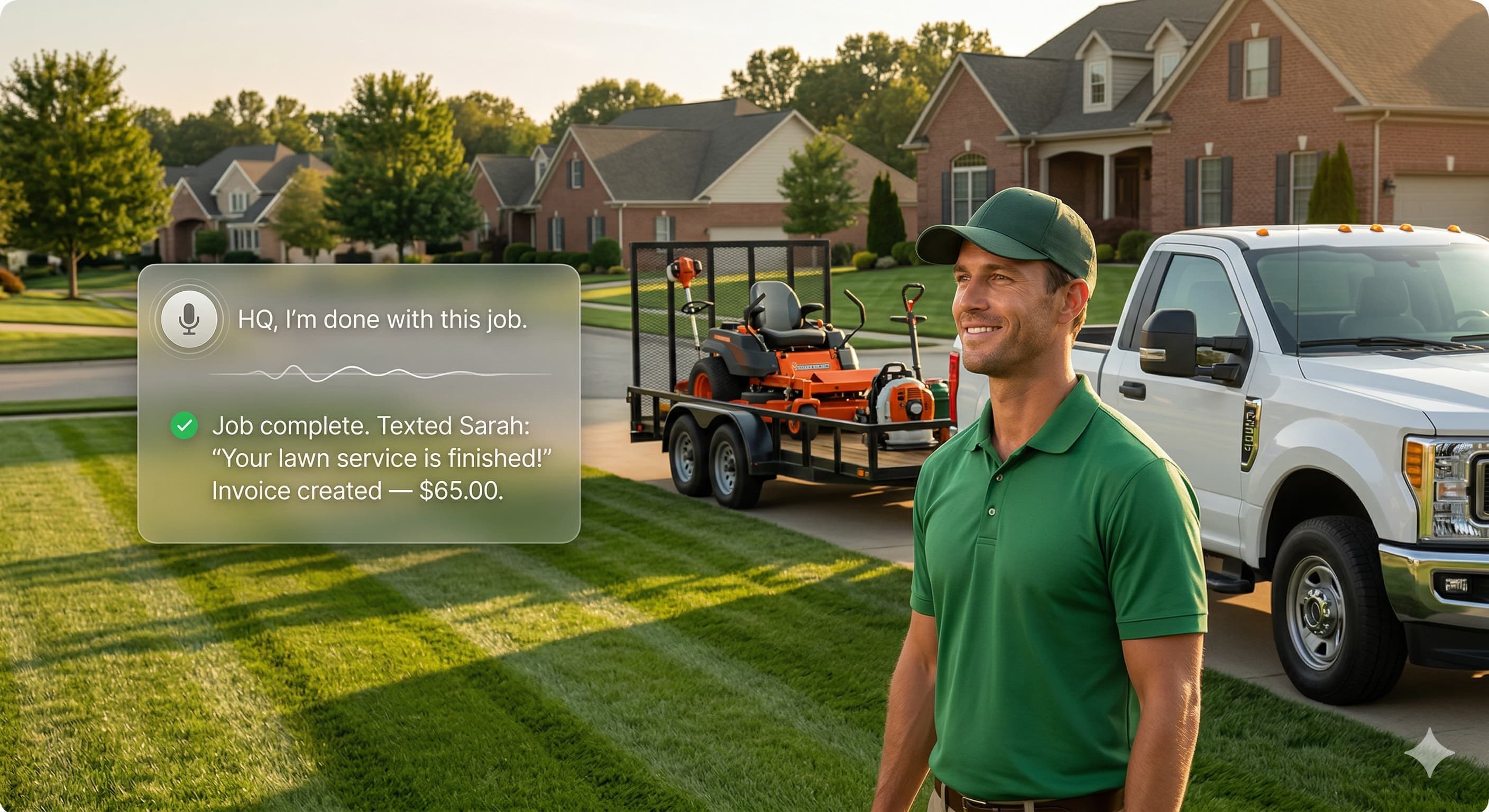
"HQ, I'm done with this job"
Job complete. Texted Sarah: 'Your lawn service is finished!' Invoice created — $65.00.
"HQ, tell my next job I'm 10 minutes out"
Texted Jeremy: 'Your lawn care crew is on the way! ETA 10 minutes.'
"HQ, what does my week look like?"
23 jobs this week. Monday: 6 jobs. Wednesday: rain expected — 2 jobs moved to Friday.
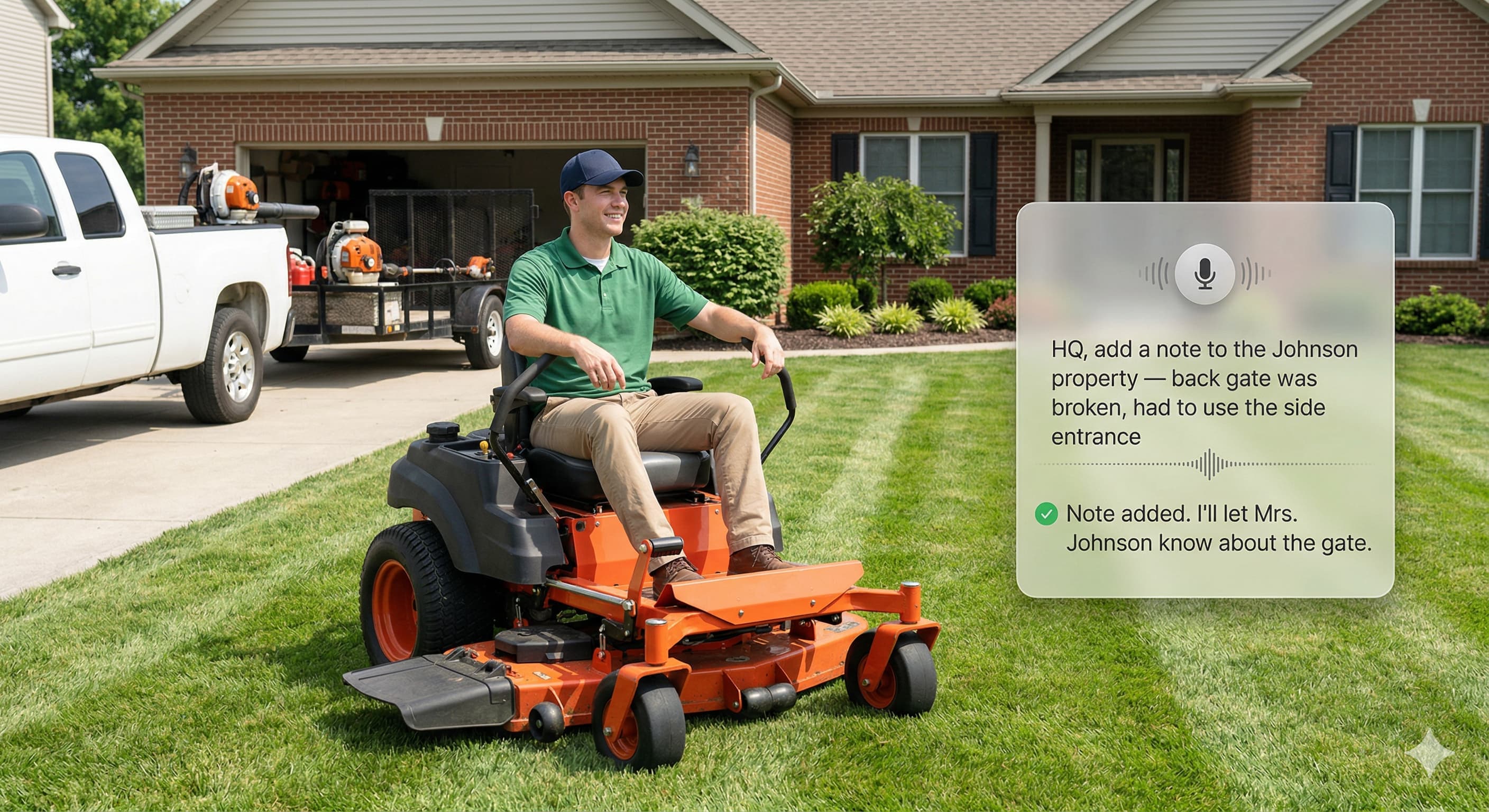
"HQ, add a note — back gate was broken, used side entrance"
Note added to the Johnson property. I'll let Mrs. Johnson know about the gate.
"HQ, how'd we do today?"
Solid day — 7 jobs completed, $485 billed. 2 payments received totaling $150.
An AI that actually gets the job
Truly Hands-Free
Talk to HQ from the mower, the truck, or standing in a yard. No phone in your hand, no screen to tap. Just speak and HQ handles it.
HQ Thinks Ahead
HQ doesn't just take orders — it reaches out when a customer texts, when weather changes your schedule, or when a payment comes in. You stay in the loop without checking your phone.
Schedule by Voice
Add jobs, move appointments, check your day — all by talking. HQ updates your schedule, optimizes your route, and notifies customers automatically.
Invoice on Completion
Say "I'm done" and HQ marks the job complete, creates the invoice, and texts the customer — all before you load the mower back on the trailer.
Text Customers by Voice
On-the-way alerts, schedule changes, follow-ups — tell HQ what to say and it sends a professional text from your business number. Customers think you have an office.
Notes Without Typing
Broken gate, dog in the yard, sprinkler head issue — say it and HQ logs it on the property. Your crew sees it next visit. Nothing gets forgotten.
End-of-Day Recap
Ask HQ how the day went. Jobs completed, revenue billed, payments received, and a preview of tomorrow. Know where you stand without opening a spreadsheet.
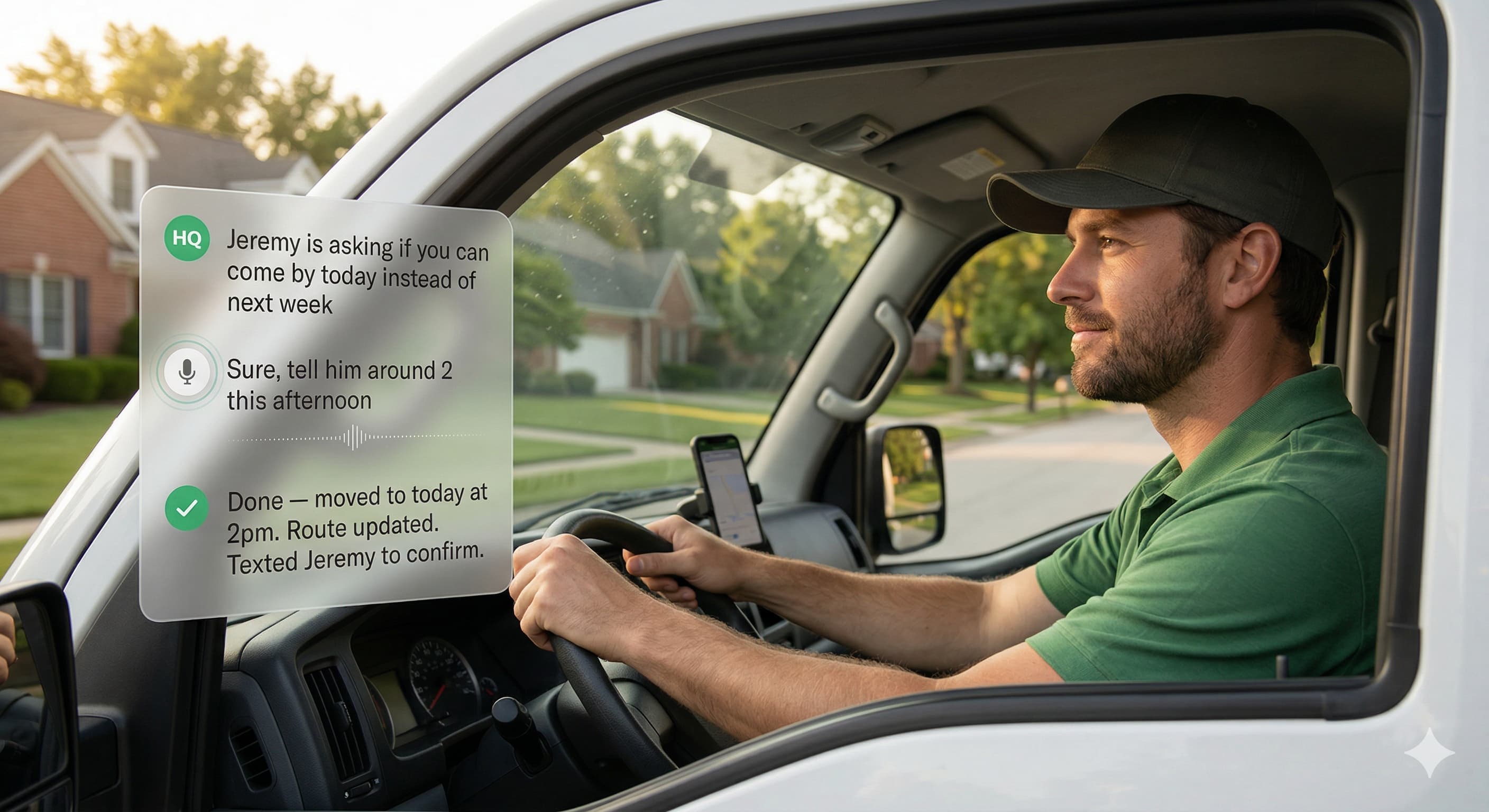
Handles the Back-and-Forth
When a customer asks to reschedule, HQ tells you, you respond by voice, and HQ updates the schedule, adjusts the route, and confirms with the customer. Three-way coordination, zero typing.
Stop pulling over to answer your phone
- Pull over to check your phone
- Forget to text the customer back
- Scribble notes you can't read later
- Invoice at midnight on the couch
- No idea how the day went until tax time
- Talk to HQ without stopping
- Customers get texted automatically
- Notes logged by voice on the property
- Invoices created the second the job's done
- End-of-day recap with revenue and tomorrow's preview
Ready to run your business by voice?
14-day free trial. No credit card required. Voice AI is included in every plan.
Start Your Free Trial